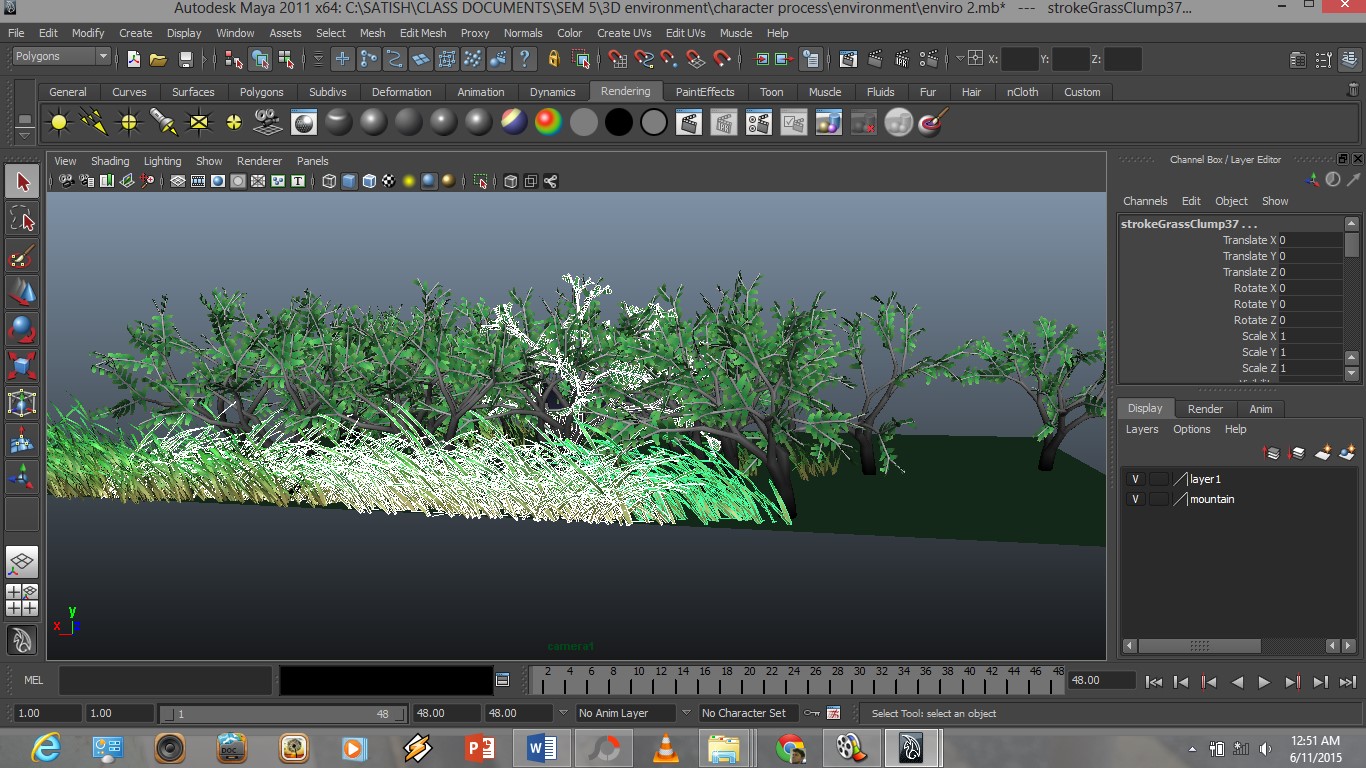
After creating an environment for my topic, it was very difficult to work on it but still i managed as i could.
Environment outcome:
Thursday, November 5, 2015
3D Character and Environment Design for Animation
Work compiled video
video of 360 degree of character and working progress of animation task from begining
This video is not just for the skill development and revealing the work progress as what we have gone through.
3D Character and Environment Design for Animation,
Character
Process and 360 camera
These are all ny character rendered in Png file.
Process and 360 camera
![]() |
| 360 captured in a single side |
![]() |
| 360 captured in a single side |
![]() |
| 360 captured in a single side |
![]() |
| 360 captured in a single side |
![]() |
| 360 captured in a single side |
![]() |
| Lighting |
![]() |
| 360 captured in a single side |
![]() |
| 360 captured in a single side |
3D Character and Environment Design for Animation
3D Print
After completing all, we are required to print the character in 3D, so the character are printed to represent of what we have done, My printing was a failure at the first. These is the image:
This printing failure might be because of the polygons that is merged all into one. This might be very heavy for the printer to read,
3D Character and Environment Design for Animation,
Lighting (Character)
Before starting the environment in Maya, we are required to play with lighting on the character. This will help us to place a lighting tool according the scene that we have done. This practice is to see how we understand the importance of lighting for an object.
Interactive Design for Games and Web Applications,
After developing the ideas for my Game in scratch, I have started to develop the game in Scratch with the knowledge that i had during the Scratch exploring.
In my game, the character will have to being clicked and the activity that wanted to be done. These are the screen shots of my game building :
These are the screen shots of all my process in making a game. During this semester, since i have been lacking, i had not enough time in creating my game,so, for now, i have to make one level that recovers all my topic of the game plan. There are some place where I couldn't not fgure the exact coding for the sprite.
This is the character in my Game:
Subscribe to:
Posts (Atom)